Henry George AI Avatar
Sit down with Henry George and ask him anything.
The Henry George School’s AI Avatar lets you sit across the table from Henry George himself: an interactive digital recreation of the 19th-century economist and social reformer, grounded entirely in his own writings. Ask him about his life, his landmark work Progress and Poverty, land value taxation, or the questions that drove his career. He answers in his own voice, by text or speech, adapting to casual and scholarly questions alike.
Free to use · no account needed to start
How It Works
Three steps stand between you and a conversation with the author of Progress and Poverty.
Take a Look Around
A guided walk through Henry’s table. Step through with the arrows.

Welcome to Henry’s study
Every visit begins here: dinner in Henry George’s New York study, 1895. The bread is warm, and your host is waiting for a question. Use the arrows to see what you can do at his table.
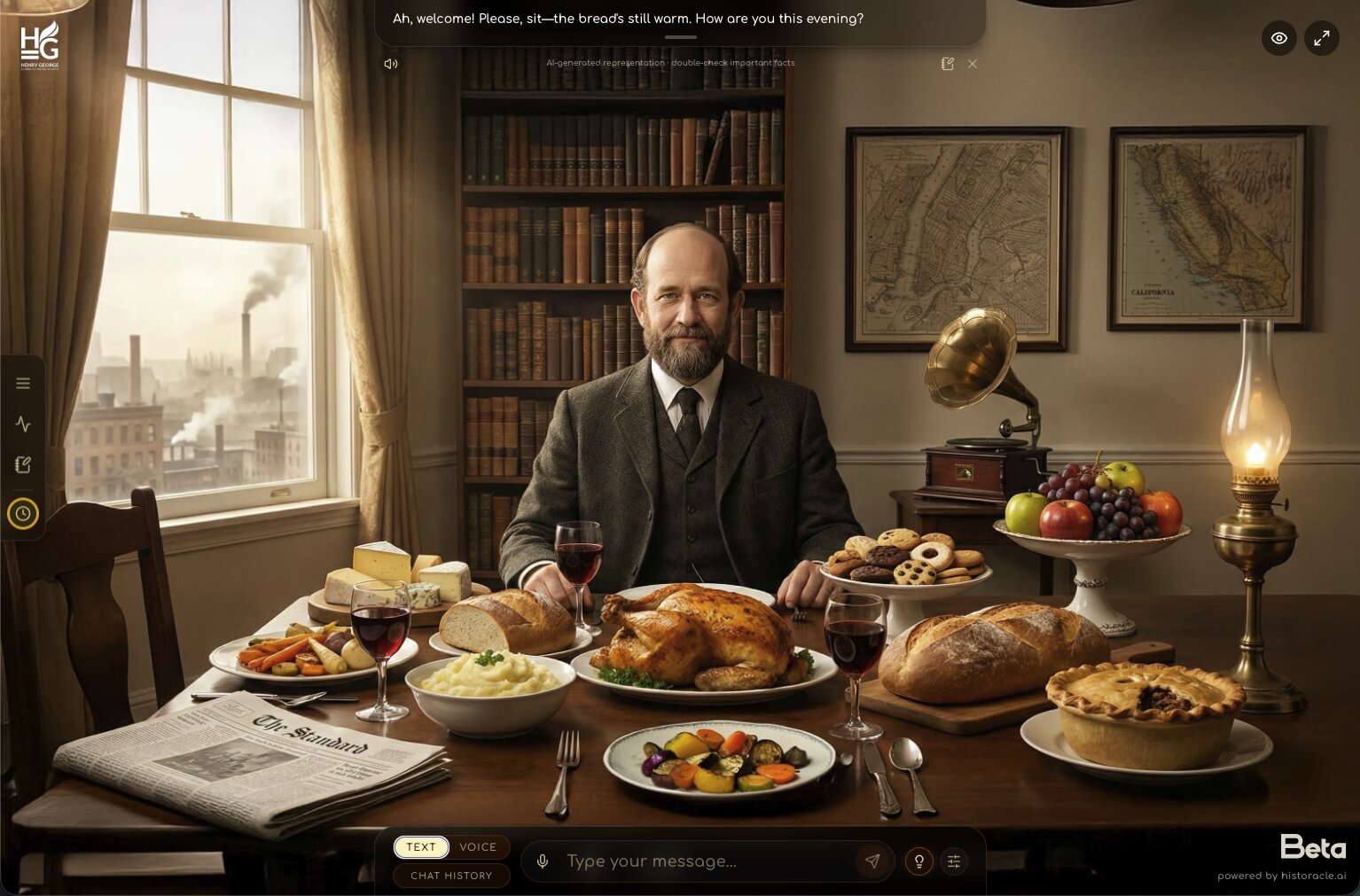
Ask him anything, in writing
Keep the switch on Text and type into the message box. Henry replies in his own voice, in a bubble above the table.
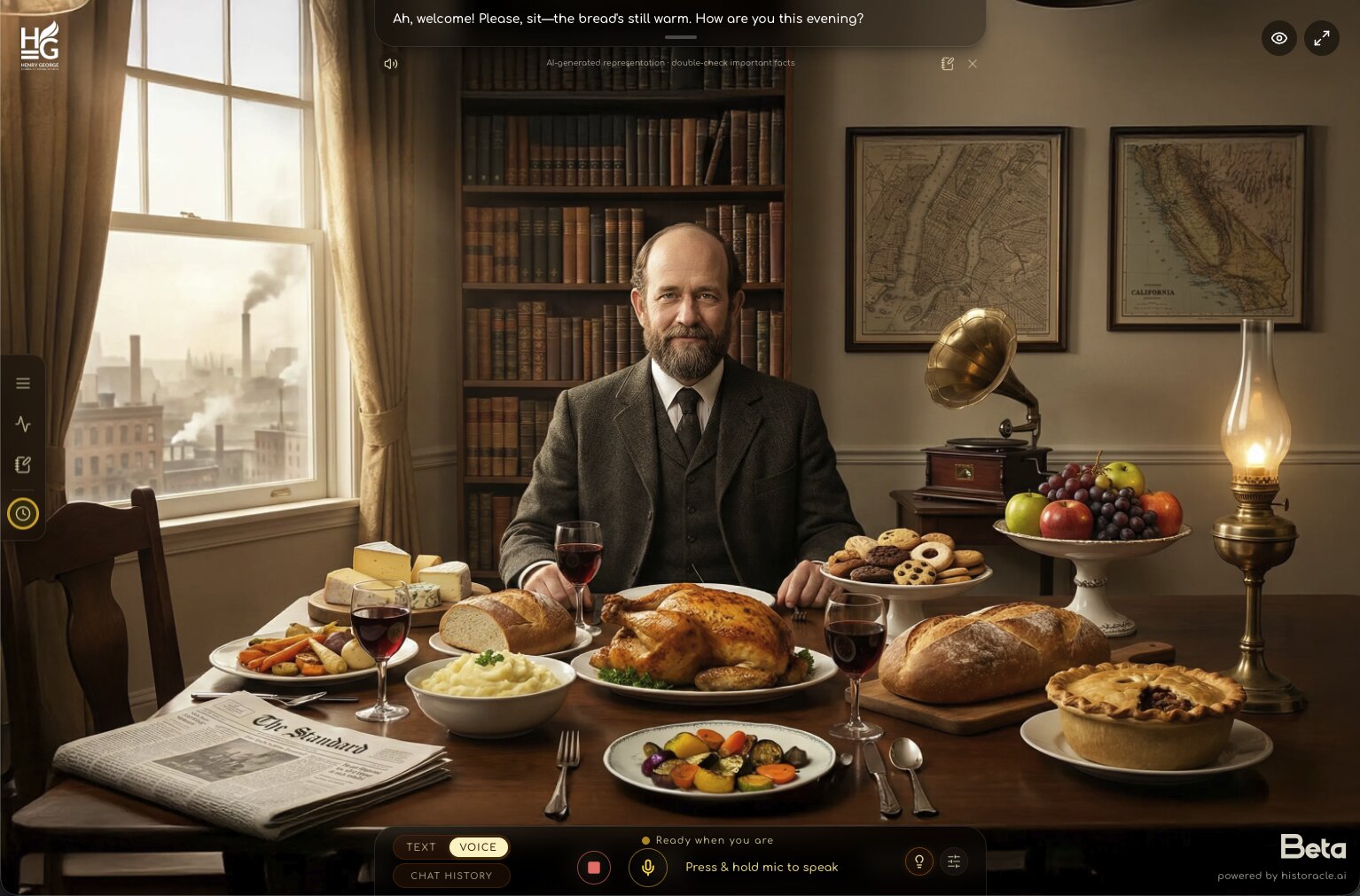
…or say it out loud
Prefer to talk? Flip the switch to Voice, then press and hold the mic to speak, then release when you’re done, like a walkie-talkie. Henry answers aloud, and the square button beside it stops and mutes the mic whenever you want a break.
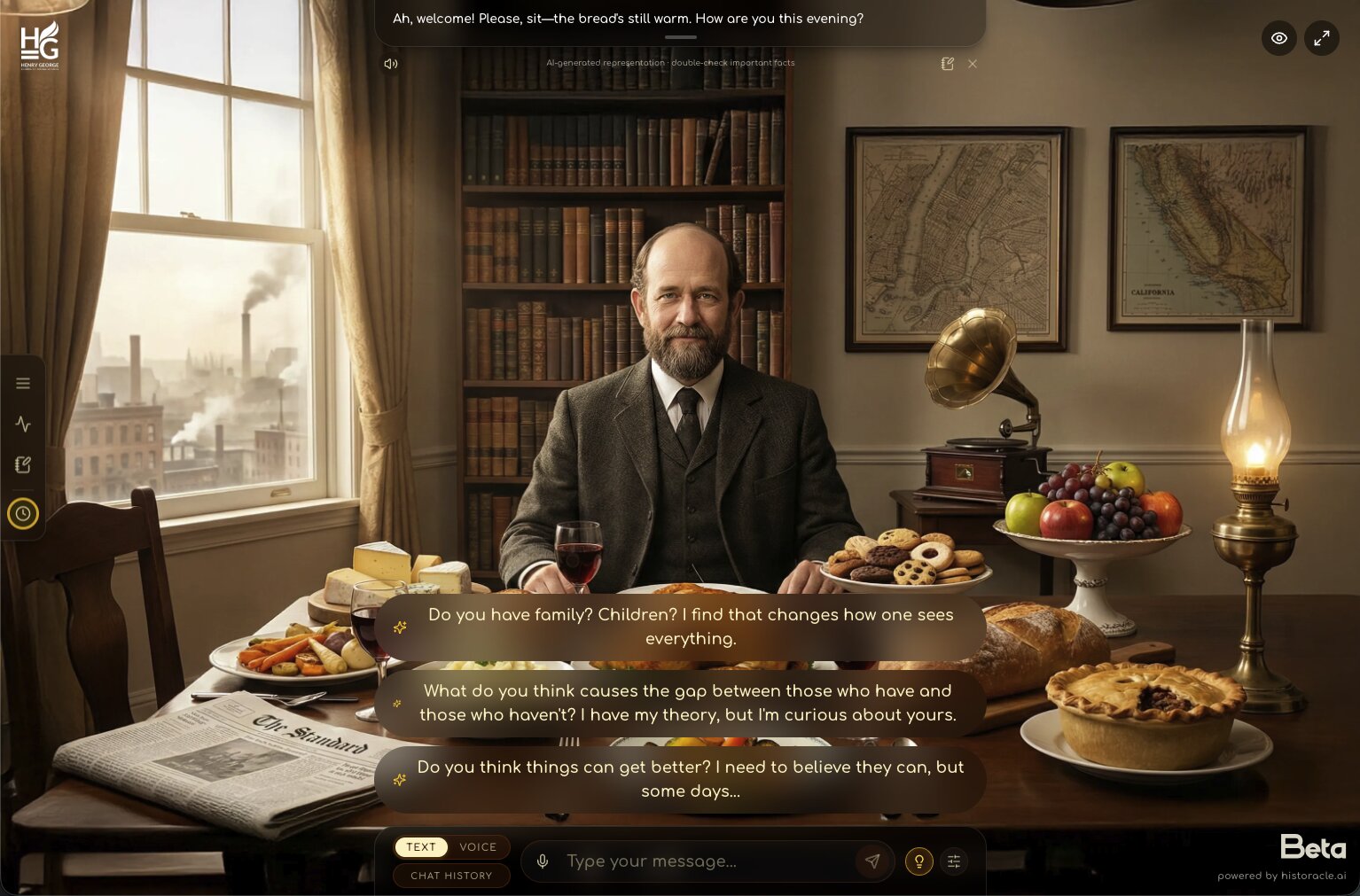
Never run out of questions
Tap the small lightbulb beside the message box and Henry offers questions worth asking, based on where your conversation has gone.
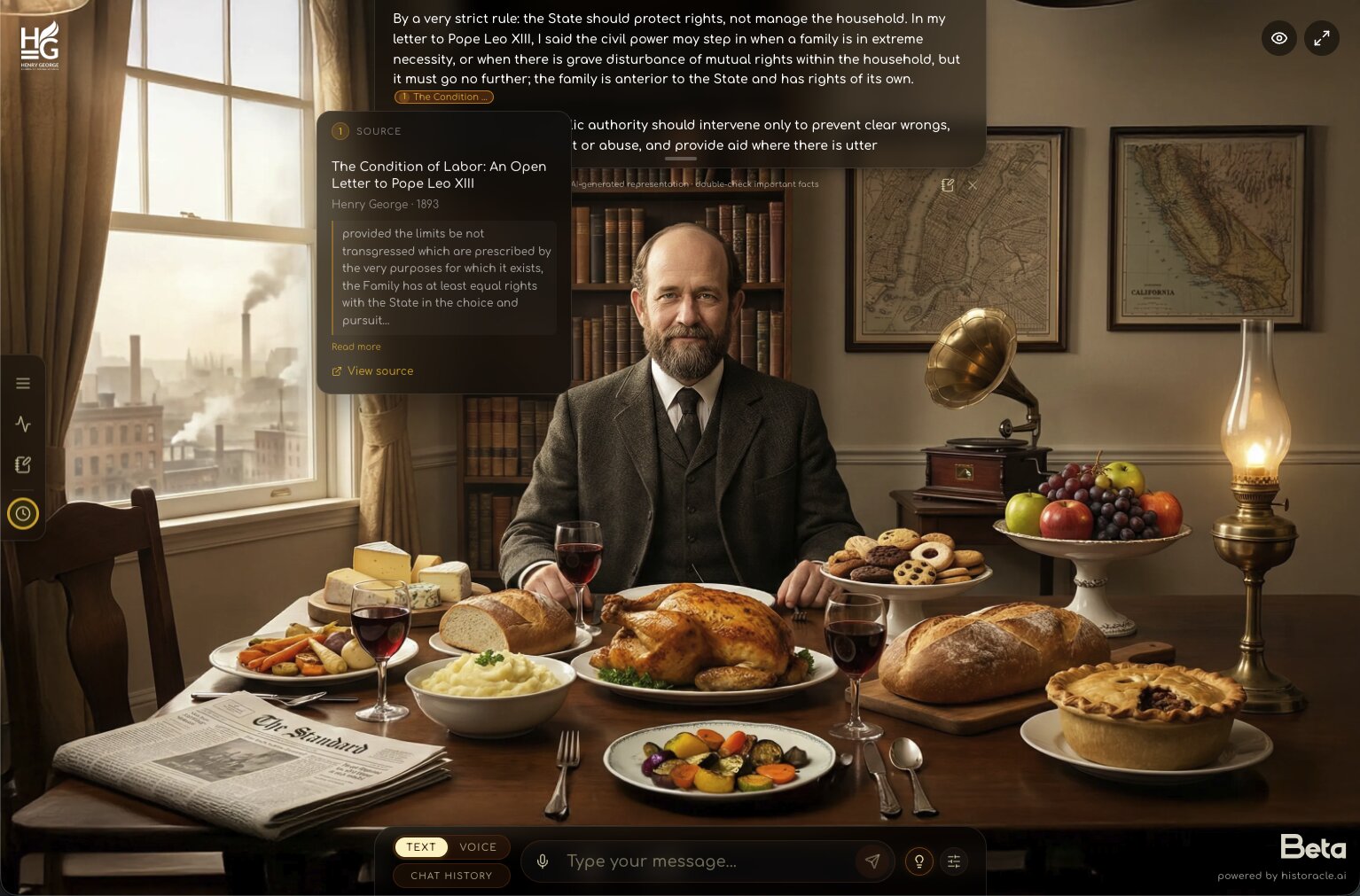
He shows his sources
Notice the small numbered chips inside his answers. Each one opens the passage he is drawing on, showing the book, year, and text, so you can check Henry against Henry.
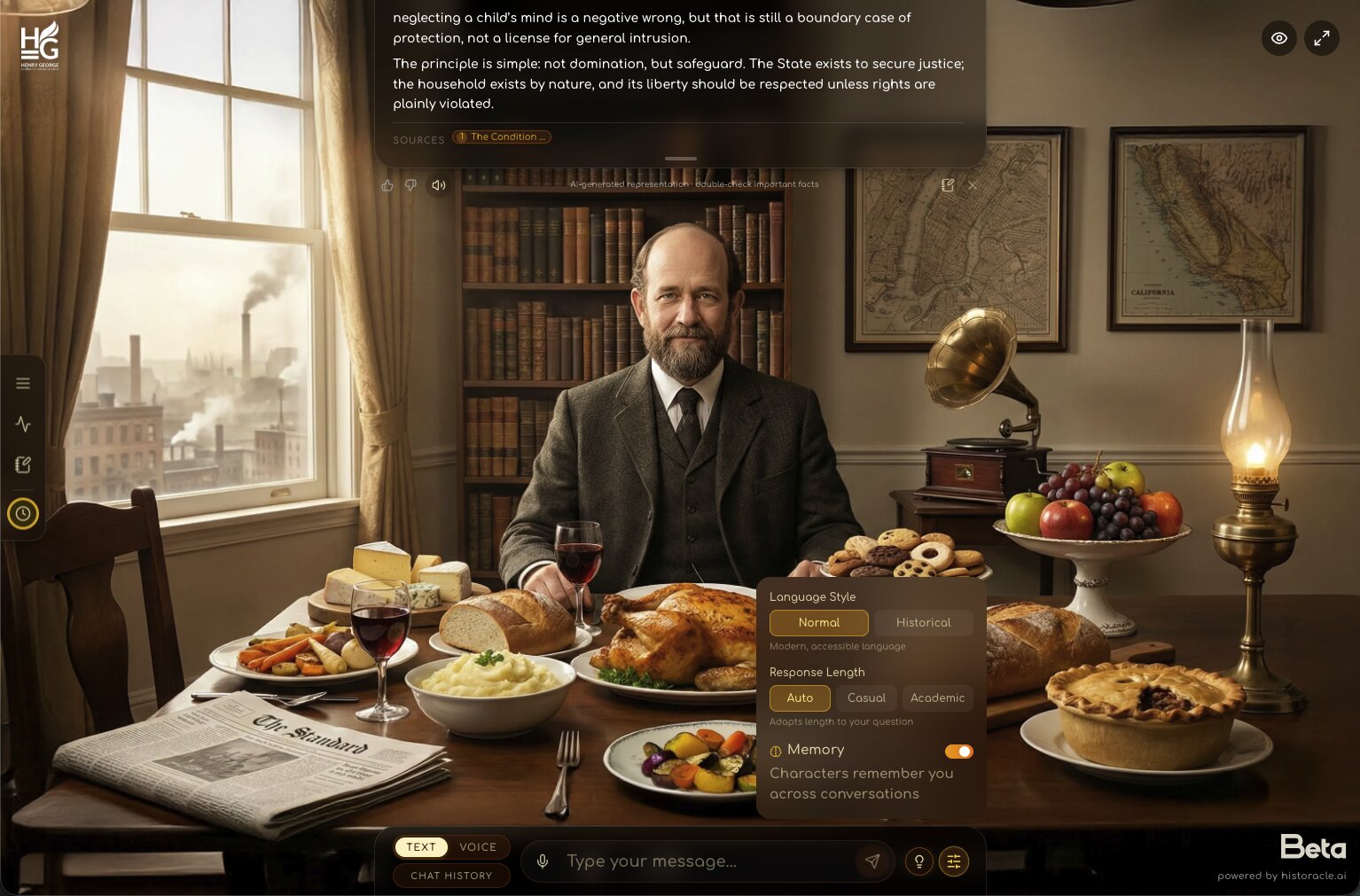
Tune the conversation
The sliders button beside the message box opens preferences: plain modern language or his historical register, short answers or scholarly ones, and a memory toggle so he remembers you across visits.
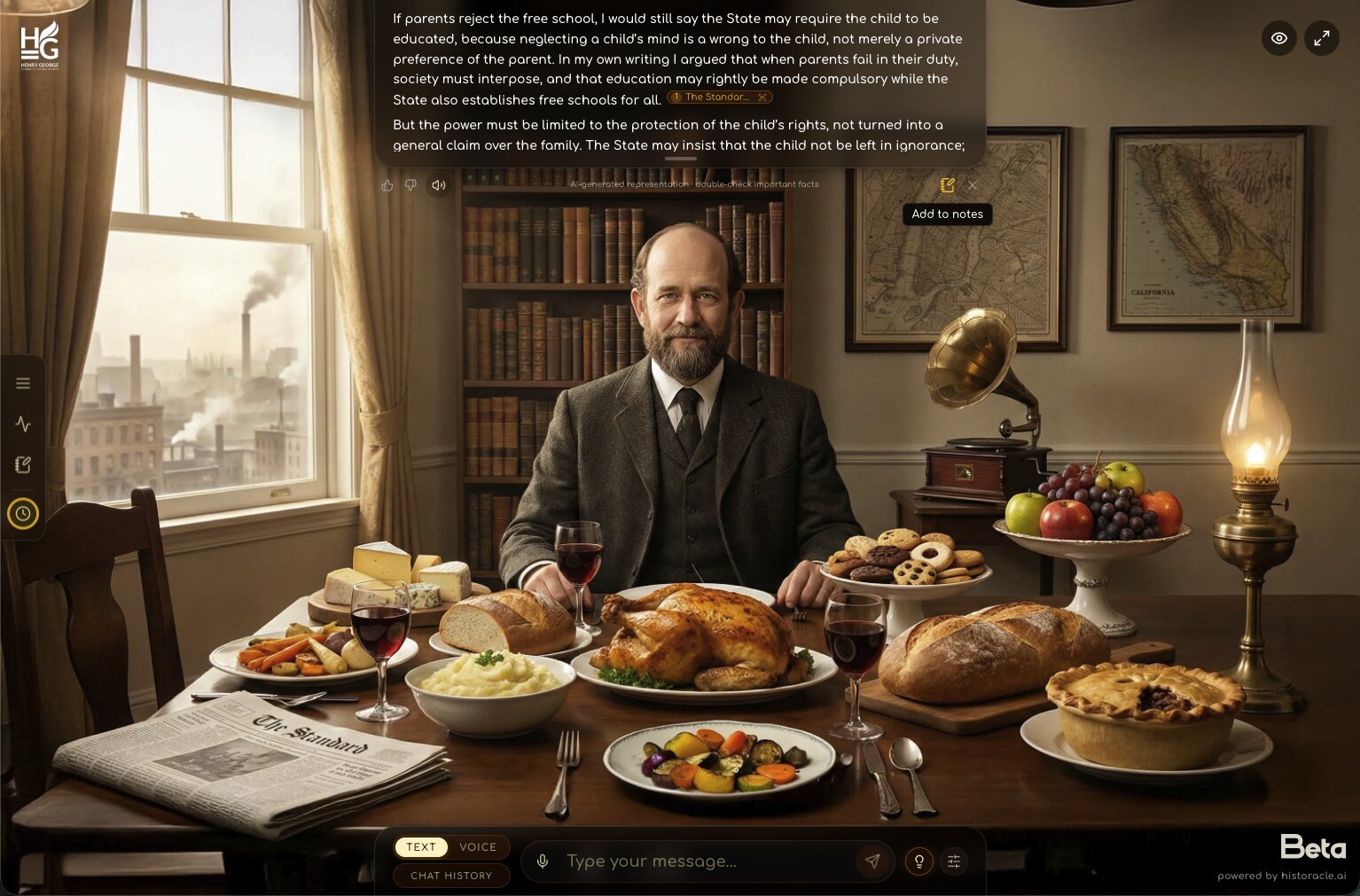
Keep the lines worth keeping
Beneath every reply sits a small notebook icon. One tap files that exchange into your notes; a green “Note saved!” confirms it, and your saved lines gather in the notebook on the left.
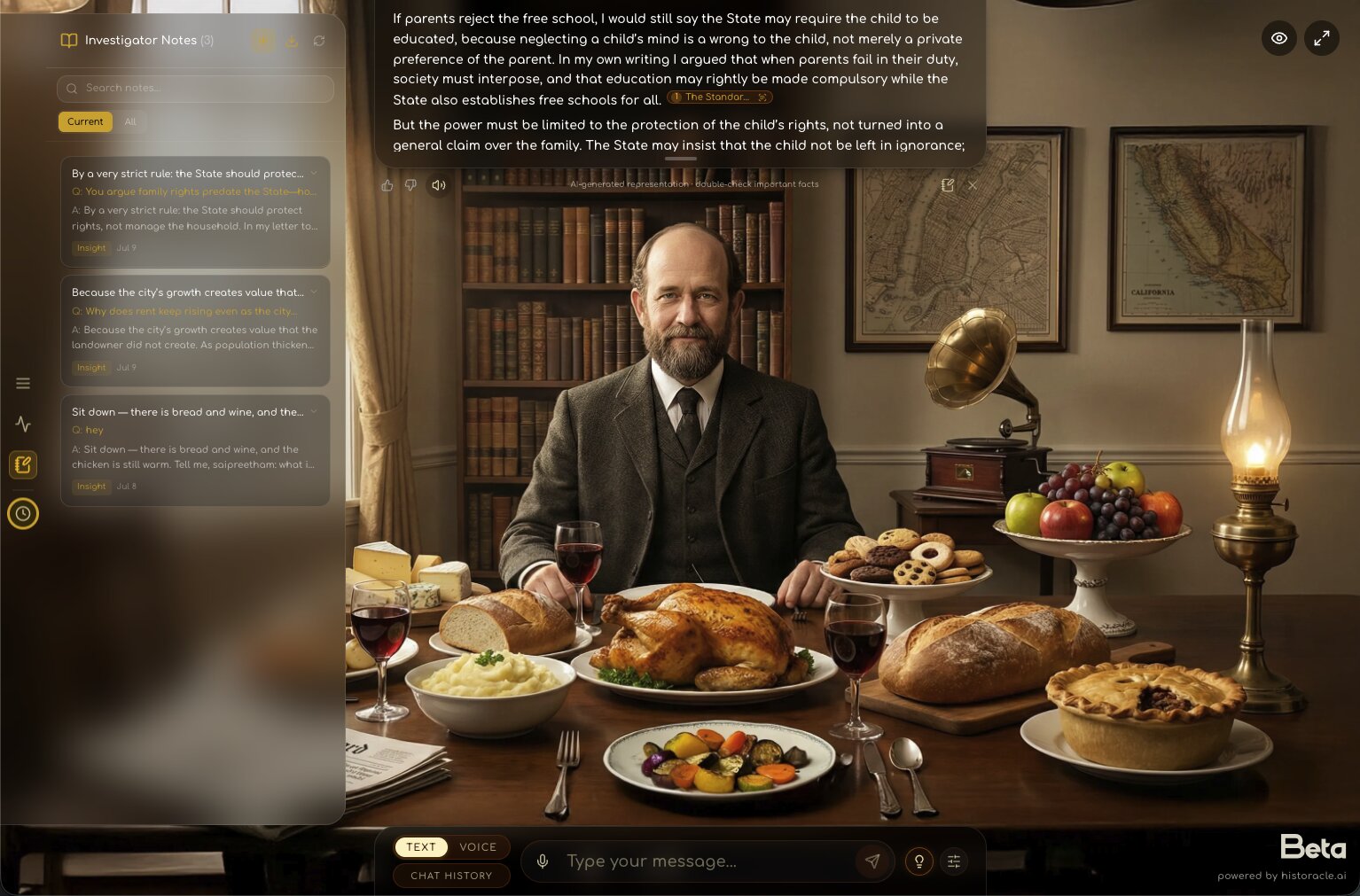
Your investigator’s diary
Saved notes live in the notebook icon on the left edge of the screen. Each entry keeps the question, the answer, and a tag like Insight. You can edit, search, or export them like a research diary.
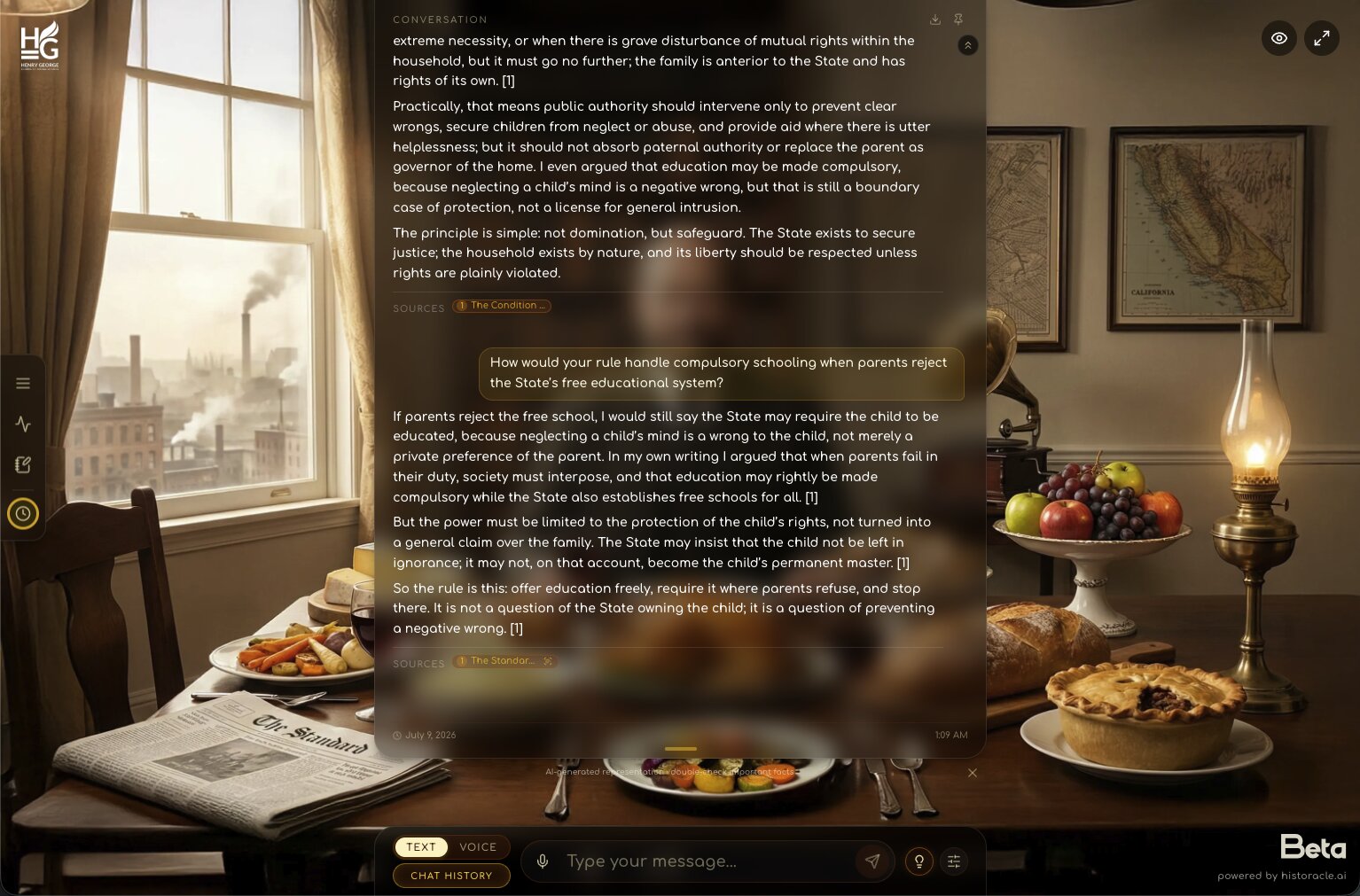
Reread the whole conversation
Tap Chat History at the bottom-left to open the full transcript of your current talk with Henry: every question and answer, the works he cited, and the time, in one scroll. You can download or pin it from the top.
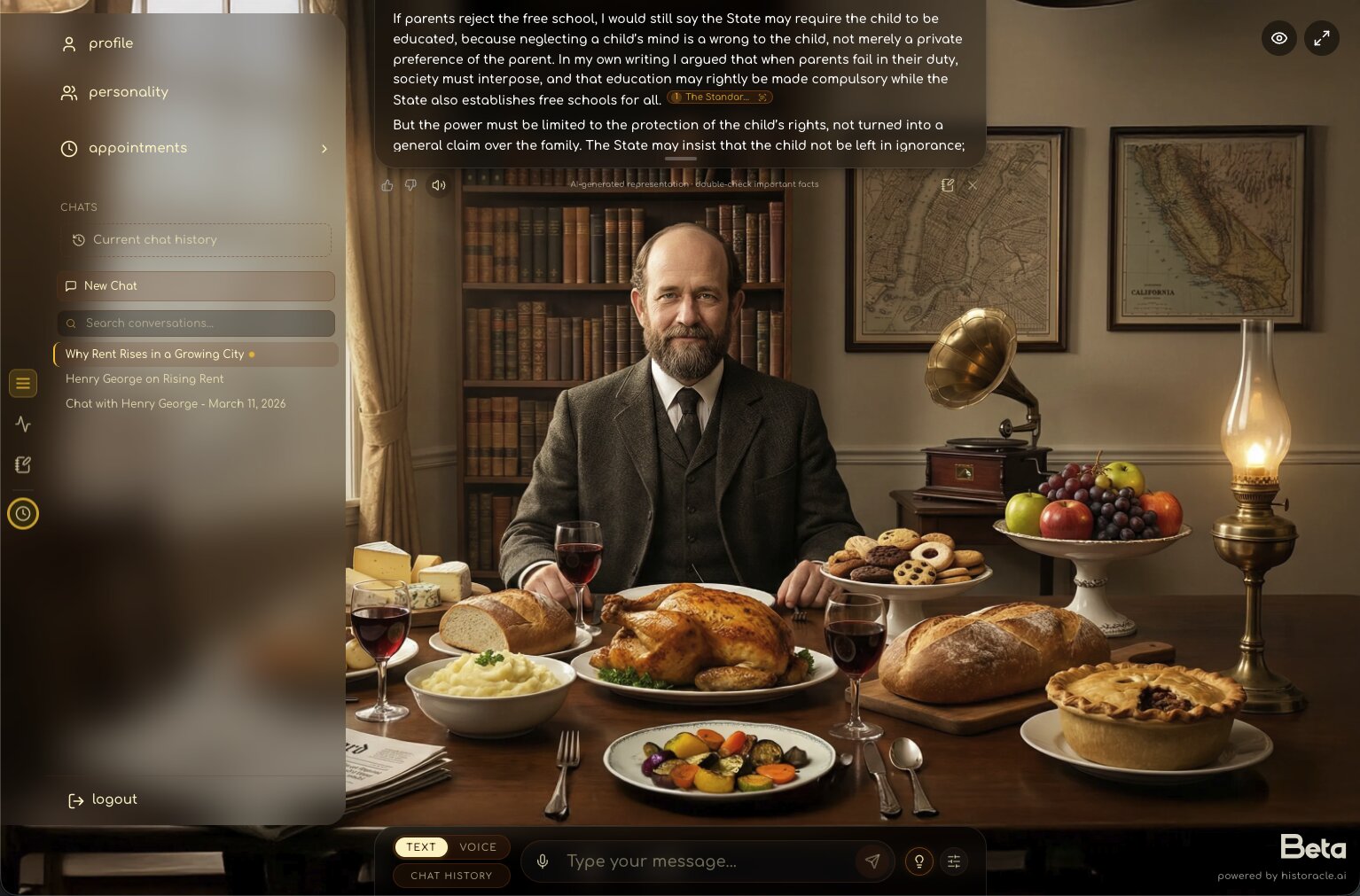
Pick up where you left off
Every separate conversation is saved as its own session. Open the menu in the top-left corner to jump between them, each named for what you discussed, or start a clean one with New Chat. Your talks are always here to return to.
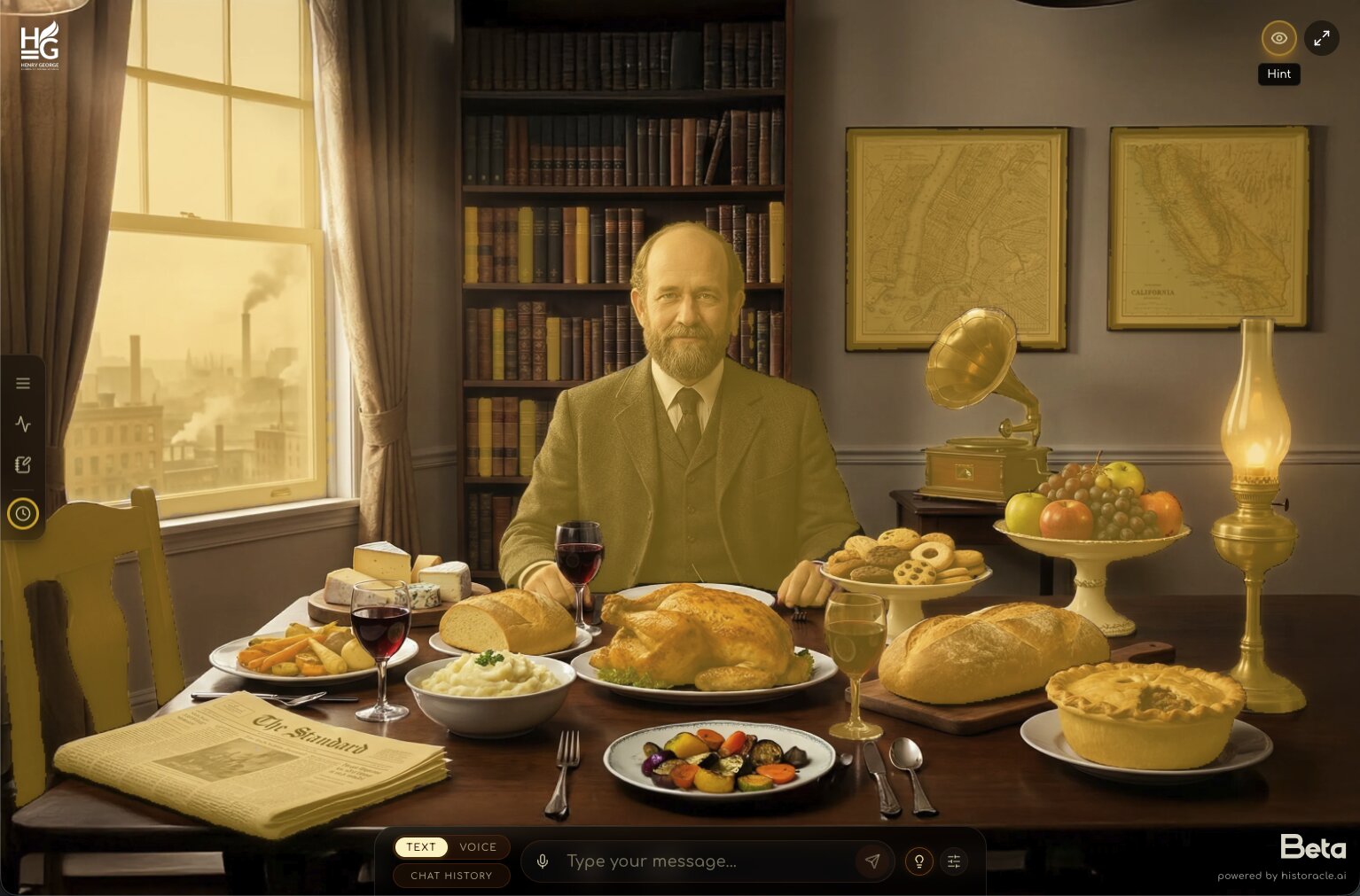
The room itself is part of the story
The study is scattered with objects from Henry’s world. Wind up the gramophone and it plays music from his era. Stuck? The eye icon in the top-right corner is the Hint button: it makes everything you can touch glow gold.
Watch the Tutorial
Ready to meet Henry?
Step into a conversation with one of history's most influential economic thinkers.
Start Talking to HenryFrequently Asked Questions
What is the Henry George AI Avatar?
Do I need an account to try it?
Is it free to use?
What kinds of questions can I ask?